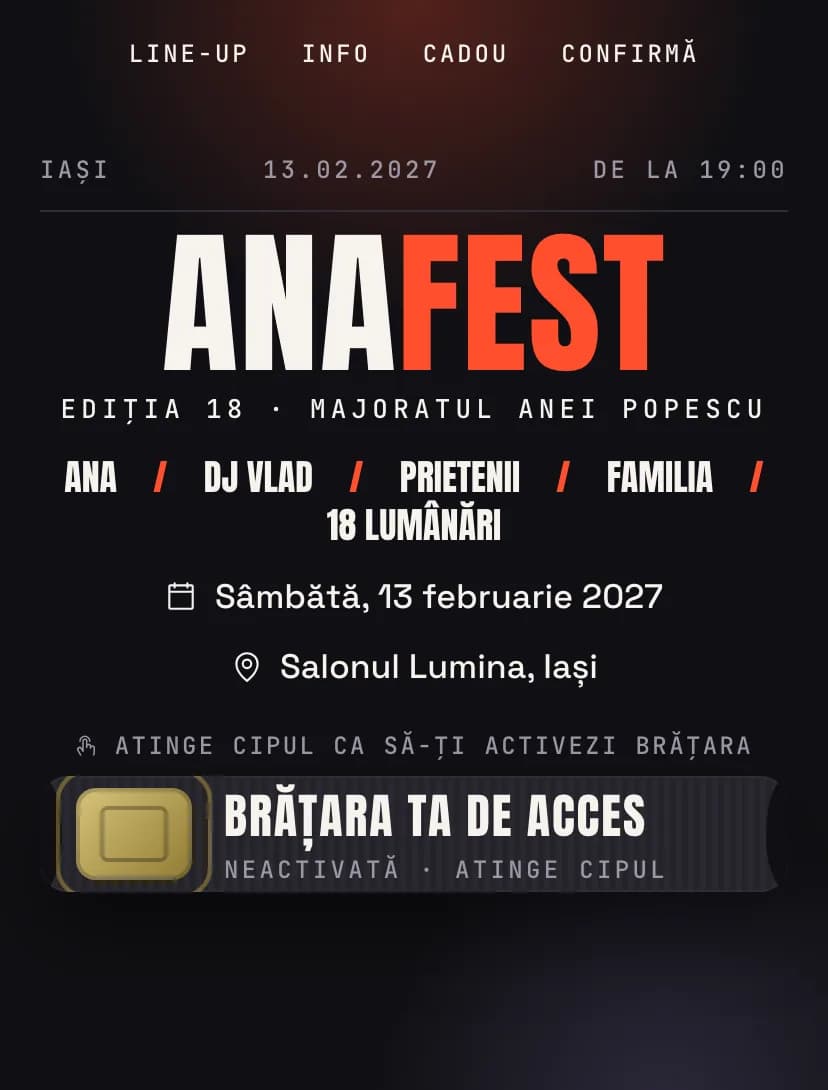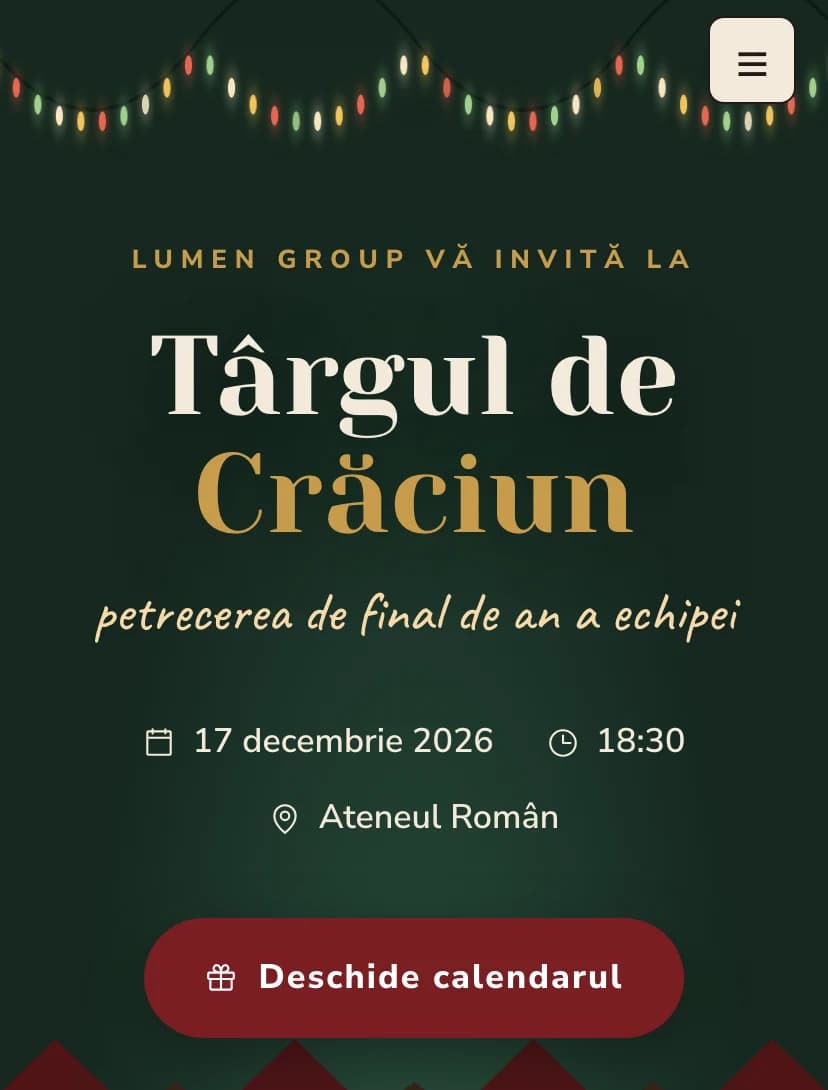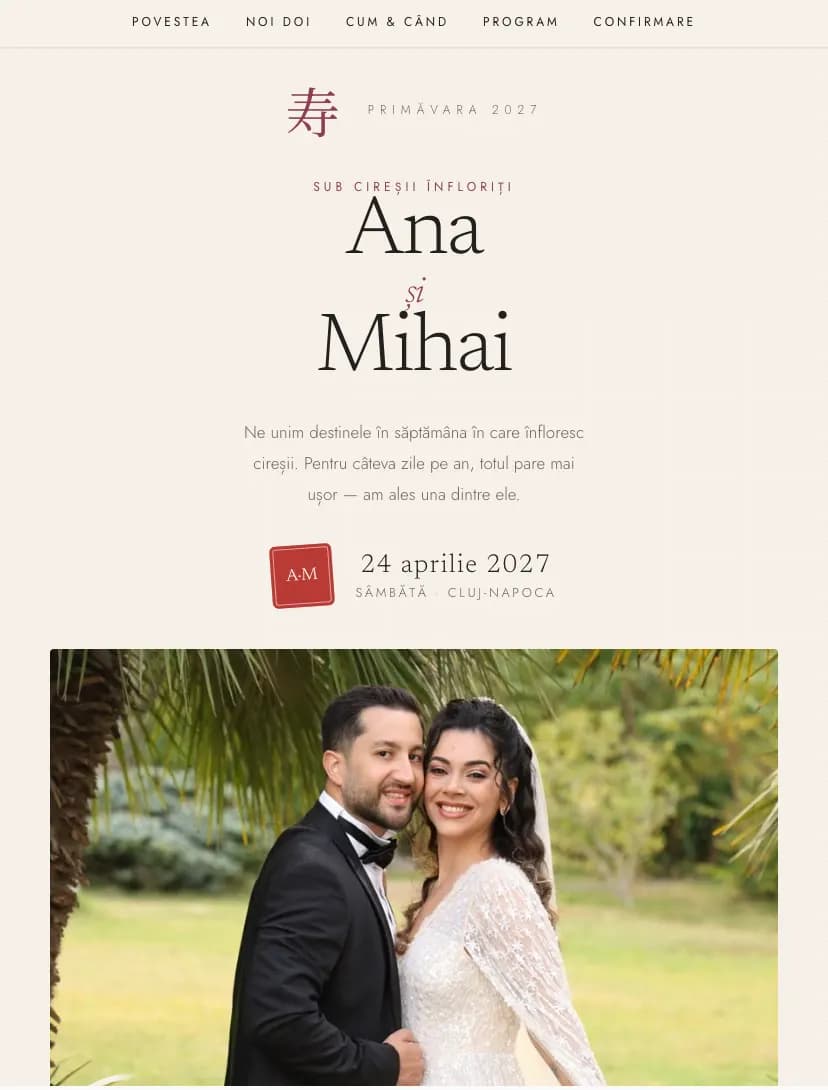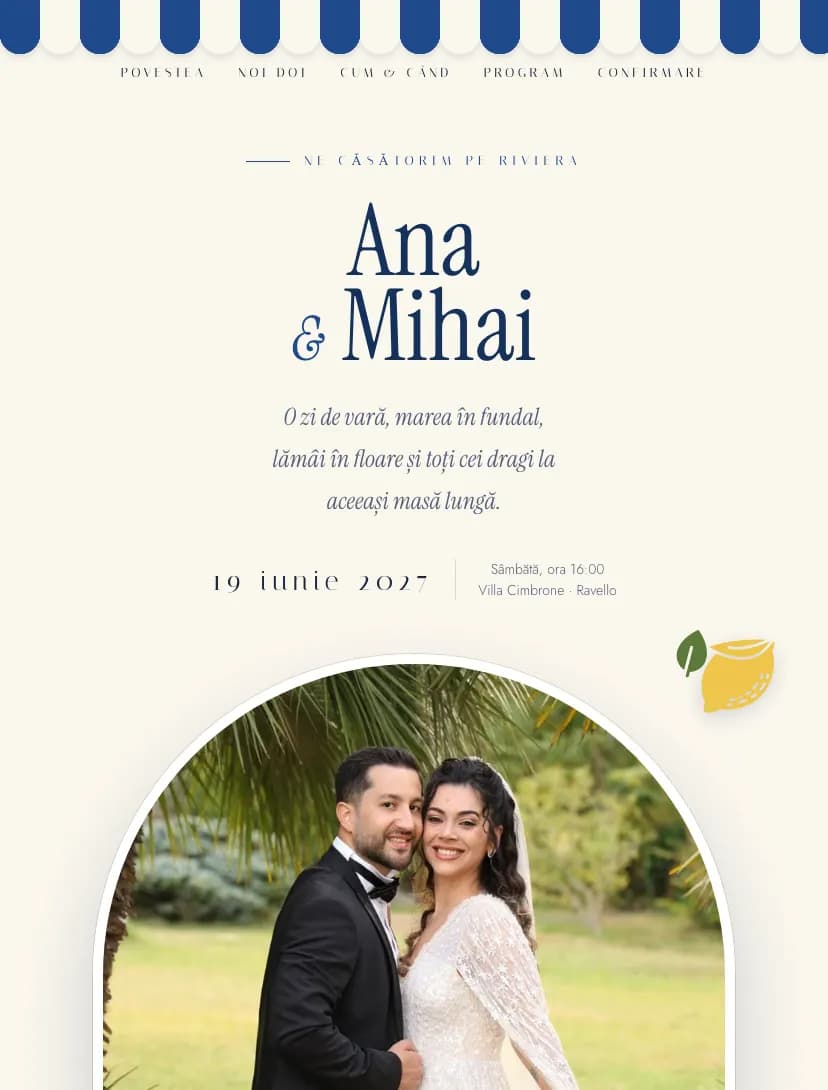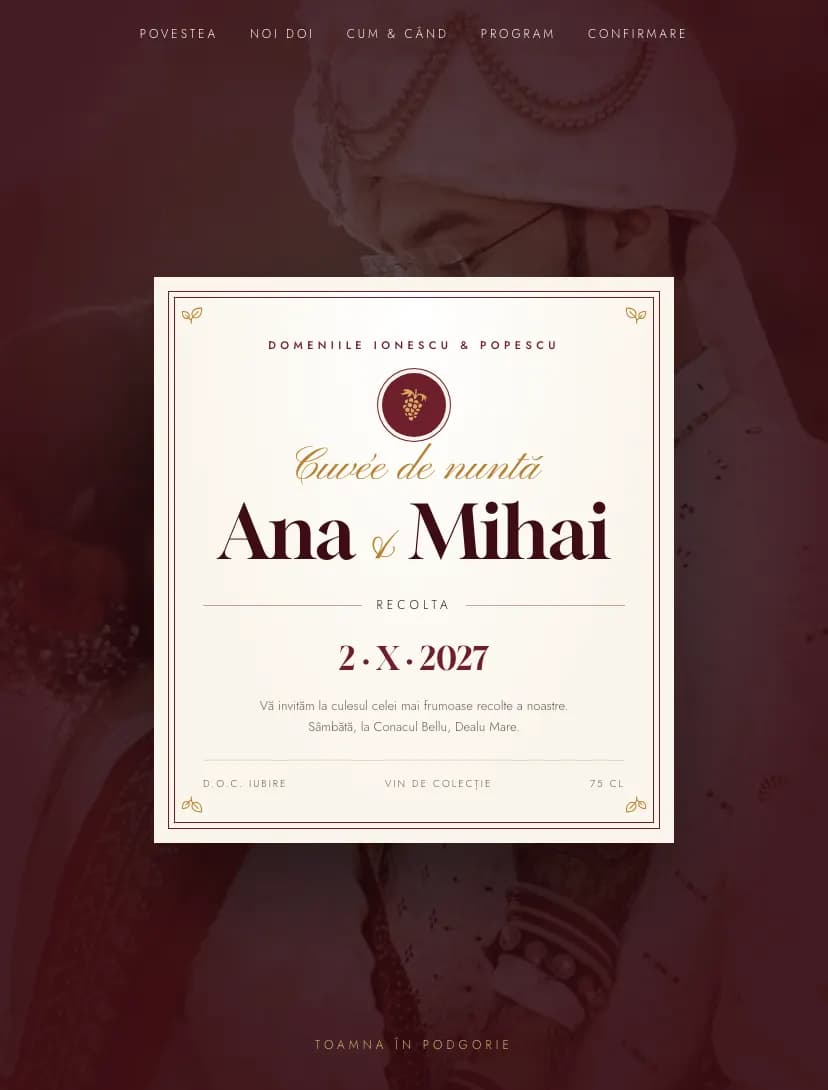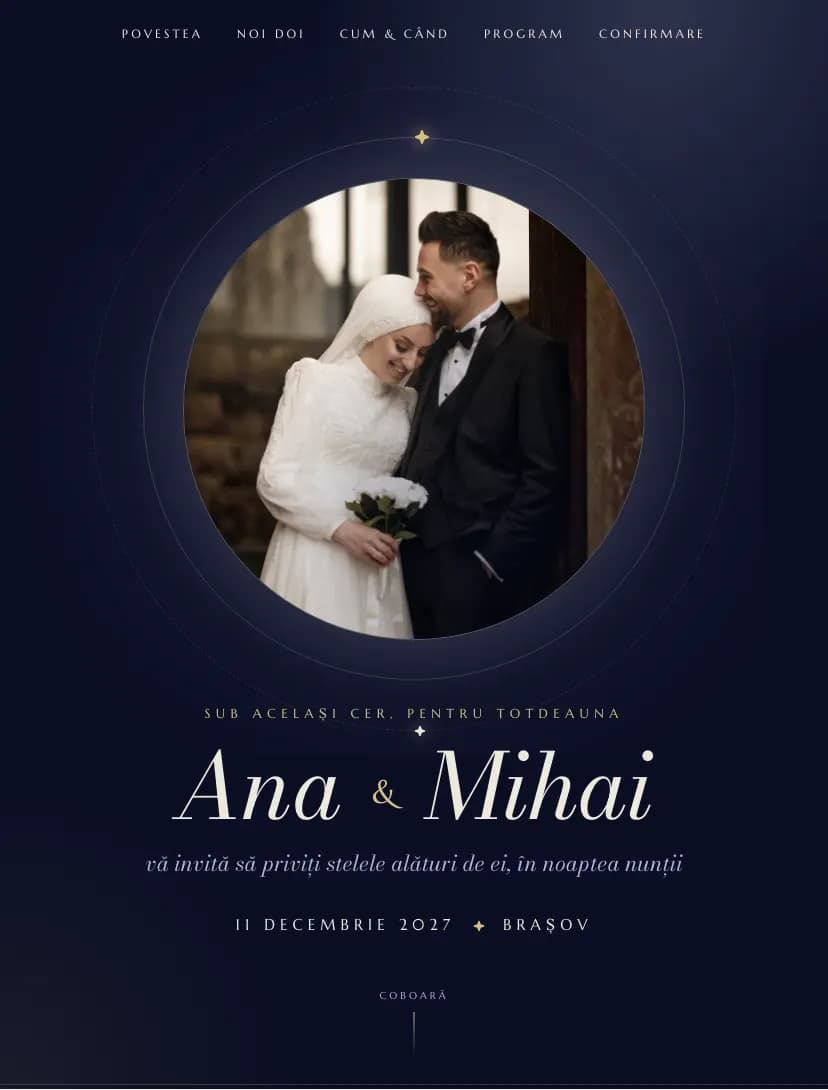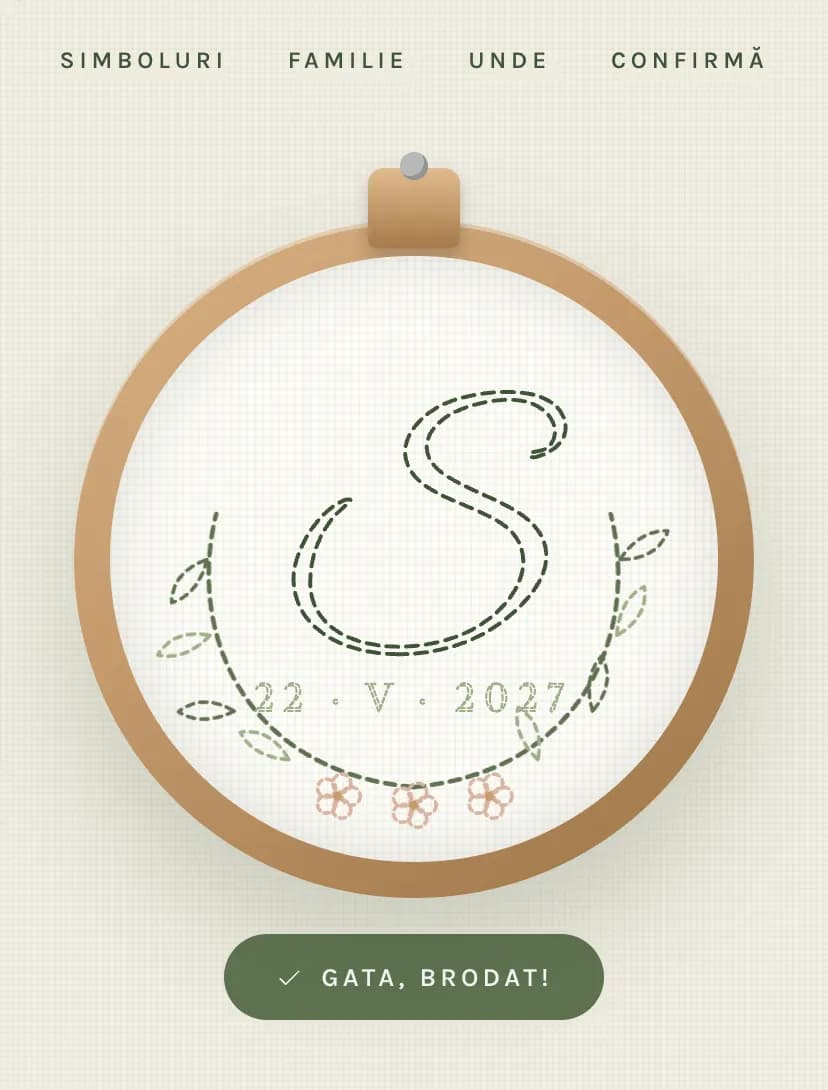
Digital Invitations for Every Occasion

Create beautiful custom digital invitations online for weddings, baptisms, birthdays, and parties. Choose from elegant templates, personalize with AI, and share the link on WhatsApp or link. Built-in RSVP tracking and guest management — free to start.

Invitations for Every Event

Choose your event type and start creating in minutes
Everything You Need in One Platform

Customize with AI

Generate personalized invitation text with AI. Describe your event and get beautiful, ready-to-use wording in seconds.

Built-in RSVP Tracking

Track guest responses in real-time. Collect menu preferences, dietary restrictions, and attendance confirmations — all automatically.

Share on WhatsApp

Share your invitation link on WhatsApp, by SMS, or through another messaging app, or send invitations by email from Pinvite.

Create Your Invitation in 3 Simple Steps

1

Choose a Template

Browse our collection of elegant invitation templates for weddings, baptisms, birthdays, and parties.

2

Customize Your Design

Add your event details, upload photos, and personalize the text. Use AI to generate the perfect wording.

3

Send & Track RSVPs

Share via WhatsApp or link and track guest responses in real-time. Manage your guest list effortlessly.

Ready to Create Your Invitation?

Join thousands of hosts who use Pinvite to create stunning digital invitations with built-in RSVP tracking.

Designs

Frequently asked questions

How do I create digital invitations online for free?
On Pinvite, choose a template for your event type (wedding, baptism, birthday, or party), customize the design with your details, enable digital RSVP, and share via WhatsApp, SMS, or link. It's completely free to start.
Can I send custom invitations via WhatsApp?
Share your invitation link on WhatsApp, by SMS, or through another messaging app, or send invitations by email from Pinvite.
What types of events does Pinvite support?
Pinvite offers templates and tools for weddings, baptisms, birthdays, corporate events, themed parties, and any other celebration. Each event type includes specialized features like seating arrangements, gift lists, and transportation management.
How does RSVP tracking work with digital invitations?
When guests receive your digital invitation, they can confirm attendance online. You can track responses in real-time, collect menu preferences, dietary restrictions, and manage your guest list — all from one dashboard.
Which event tools can I use with my invitation?
Use RSVP forms, guest lists, and task management on all plans. Standard and Premium add transport, accommodation, a gift list, budget, calendar, and announcements. Premium also includes seating, collaborators, and QR check-in.
What kinds of digital invitations can I create on Pinvite?
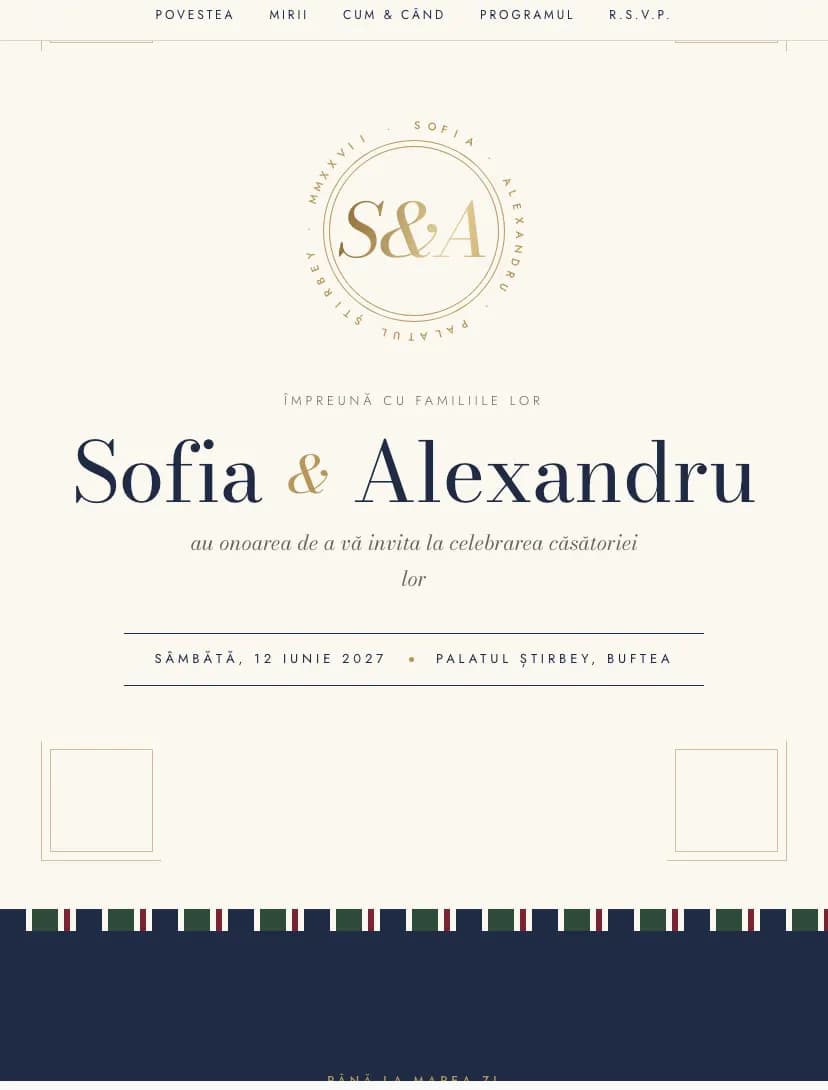
Pinvite has 31 designs grouped by occasion: wedding websites, christening and baby shower invitations, birthday invitations (eighteenth, sweet 16, kids, round birthdays) and corporate invitations for company parties, galas and conferences.
Do all designs have RSVP confirmation?
Yes. Every design includes the confirmation form: guests answer whether they come, add companions, choose the menu and leave a message, and you see the list live in your account.
Can I use a wedding design for another event?
Yes. Texts, colors and sections are changed in the editor, so a design such as Minimal or Botanical works just as well for an engagement, a christening or a birthday.
How much does a digital invitation cost?
Start free, no card. The free plan includes up to 15 confirmations. Standard and Premium are paid once per event, with no subscription.